I. Introduction
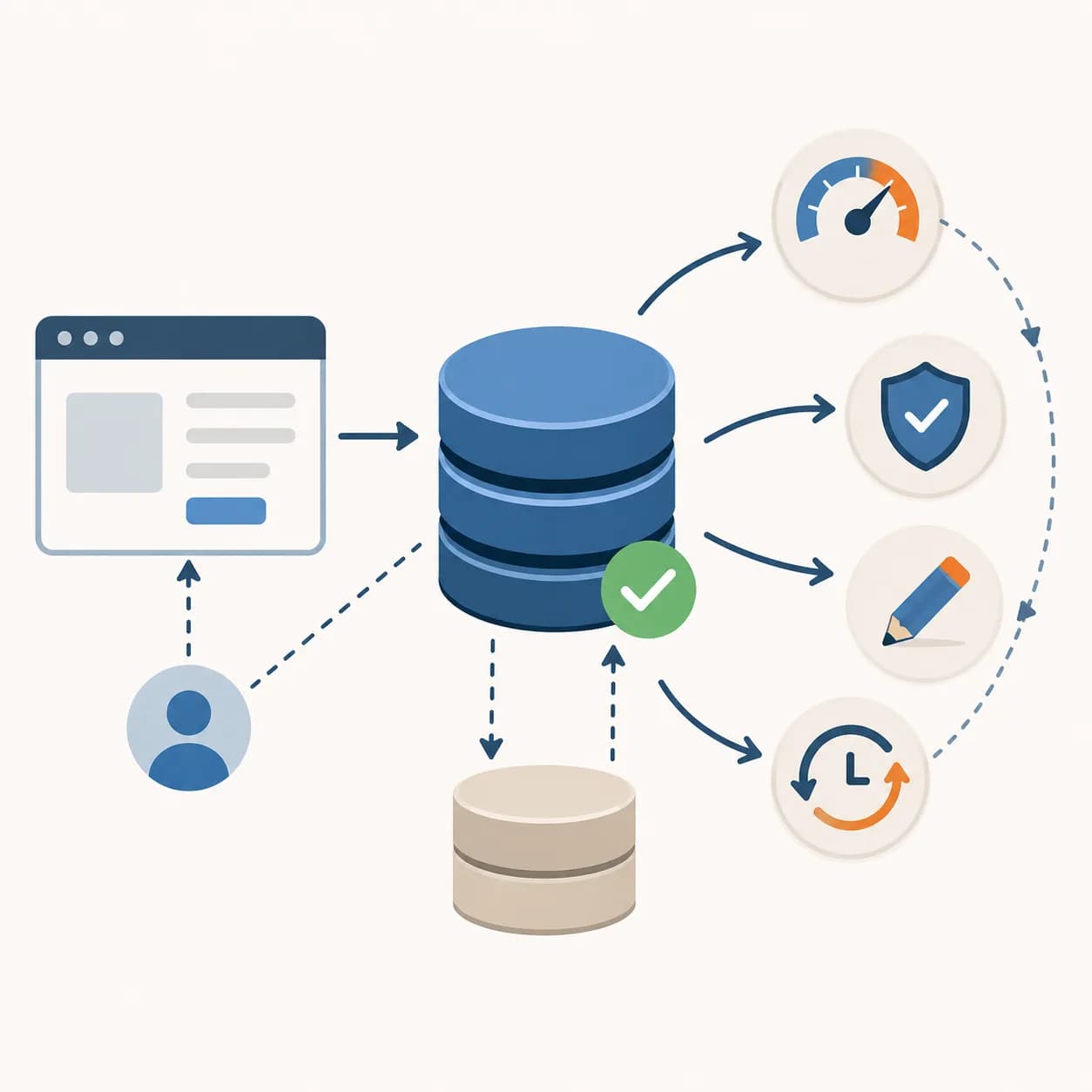
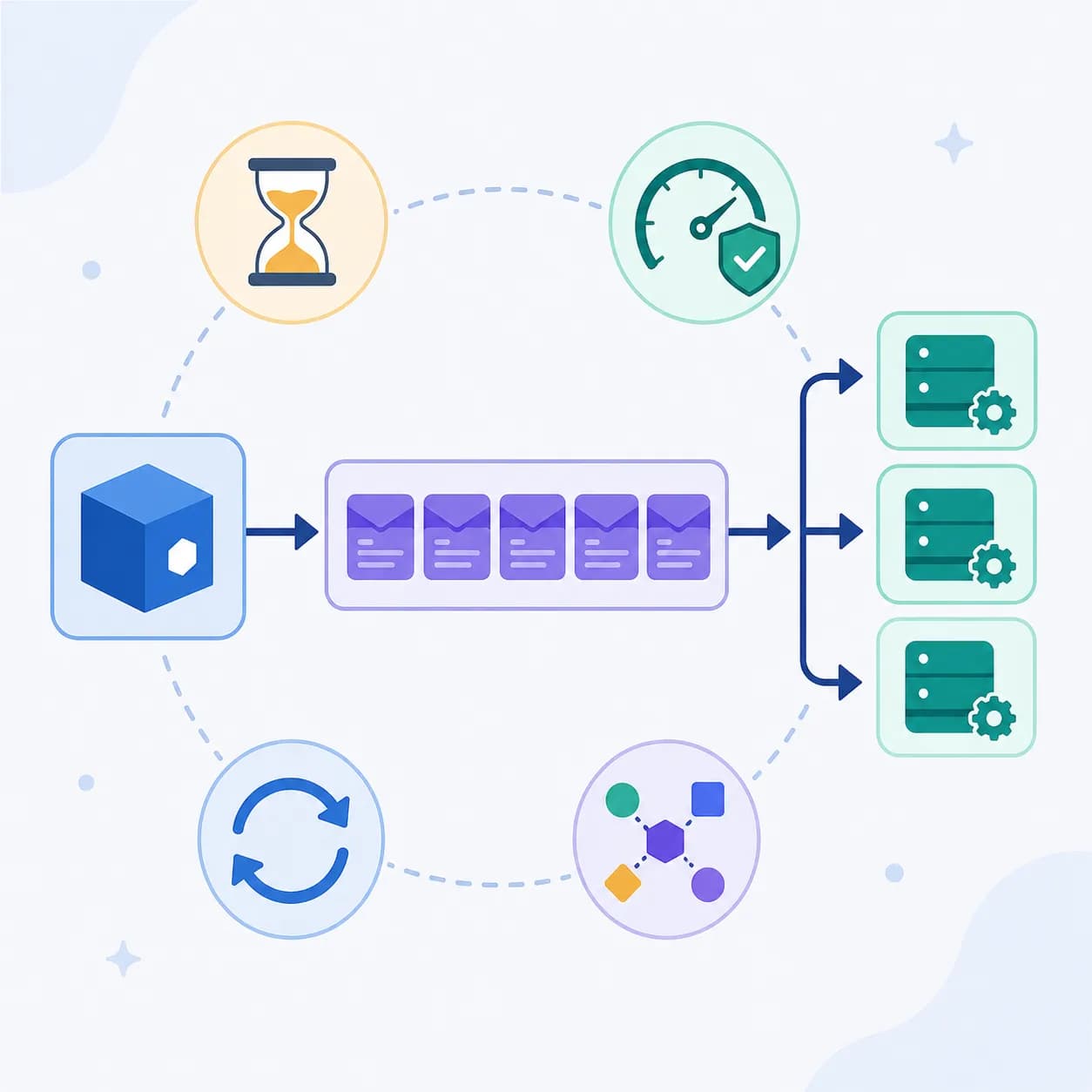
When developing a software project, we not only focus on features but also need to consider performance and long-term scalability.
A system may run smoothly at launch, but will it be able to handle an increasing number of users over time?
If we don’t optimize from the beginning, addressing performance issues later can become difficult and costly.
Some of the most noticeable issues include:
1. High-demand data: data that receives a large number of requests from clients or within the system can create high loads if queried repeatedly, such as:
Static resources: Cache product images, CSS, and JS on a CDN to reduce server load.
Product status: Cache product availability in an e-commerce system to avoid frequent database queries.
Customer data: Cache user profile information to minimize database reads.
Session: Store sessions in Redis instead of a database to speed up request processing.
2. Data that takes time to generate: Some data requires complex queries or resource-intensive computations, which can be cached for reuse, such as:
Data aggregation: Cache financial reports instead of calculating them in real time.
AI inference: Cache AI model prediction results to avoid running the same request repeatedly.
Report generation: Cache exported Excel/PDF reports to eliminate the need for regeneration.
Caching is one of the most effective solutions to tackle these challenges.
✨ Let’s explore some key caching concepts together! ✨
II. How Does Caching Work?
1. Cache Hit
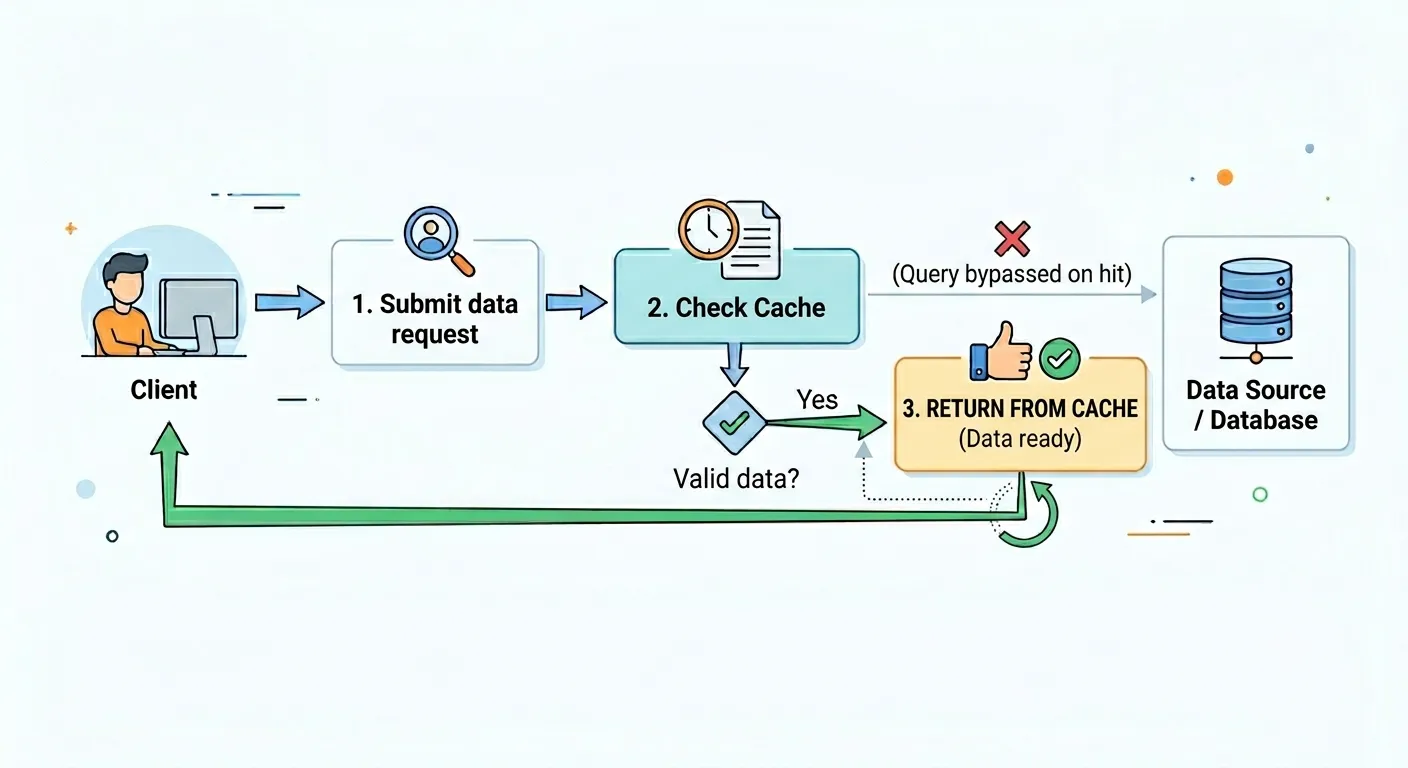
When data is already available in the cache and still valid, the system uses it directly without querying the resource.
Process:
The client sends a request for data.
The system checks the cache and finds valid data.
The data is immediately returned from the cache.
Examples:
A user requests a revenue report → The data is already cached → Returned instantly without querying the database.
A list of blog posts that rarely changes is cached for 24 hours → When a client requests it, the system serves the data from the cache.
2. Cache Miss
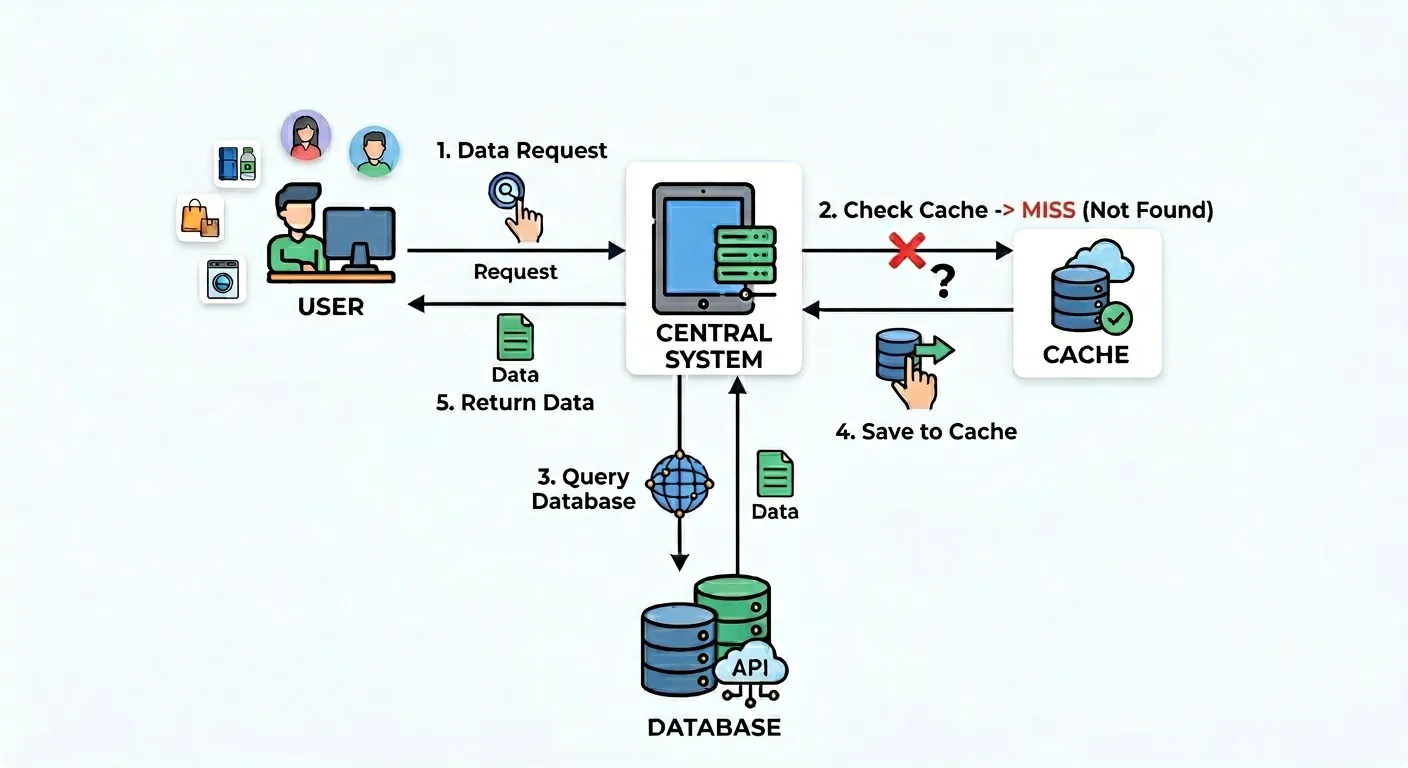
When data is not in the cache or has expired, the system must query the database to retrieve fresh data.
Process:
The client sends a request for data.
The system checks the cache but does not find valid data.
The system queries the database or an API to fetch new data.
The new data is stored in the cache for future use.
The data is returned to the client.
Examples:
A user requests product information that is not yet in the cache → Query the database → Store in cache → Return the data.
A new user logs in for the first time → Their profile data is not in the cache → Query the database → Store in cache.
3. Data Reference Cache Update (Updating Cache When Data Changes)
When data in the database changes, the cache needs to be updated or cleared to prevent outdated information.
Process:
An event occurs that changes the data in the database (e.g., a customer books an appointment, a staff member updates a service).
The system deletes the old cache or updates it with new data.
The next client request retrieves updated data from the cache or database.
Cache Management Strategies
1. Cache Invalidation
How it works: When data in the database changes, the outdated cache is deleted to ensure that the next query fetches fresh data from the database.
Purpose: Ensures data consistency, but the next request may cause a cache miss (requiring a direct database query).
Example: An admin updates product prices → The product list cache is cleared → The next request fetches fresh data from the database & updates the cache.
2. Cache Update
How it works: When data in the database changes, the cache is updated immediately instead of being deleted.
Purpose: Prevents cache misses, allowing the system to avoid unnecessary database queries on the next request.
Example: A customer places an order → The system updates the stock quantity in the cache immediately → The next request retrieves the updated data from the cache instead of querying the database.
3. Write-Through Cache
How it works: Every change in the database is written to the cache at the same time, ensuring that both always contain the latest data.
Purpose: Keeps the cache up-to-date, preventing outdated or missing cache issues.
Example: A user updates their shipping address → The system writes the new data to both the database and the cache simultaneously → The next request retrieves the updated data from the cache without querying the database.
III. What Data Should Be Cached?
1. Static Data – Long-Term Cache
This type of data rarely changes and can be cached for an extended period to reduce database queries.
Examples:
Product categories in an e-commerce site (e.g., Phones, Laptops, Accessories).
Blog post tags (e.g., Technology, Health, Entertainment).
Static files (e.g., images, HTML, CSS).
Suggested caching strategies:
Long-term caching (high TTL or indefinite cache).
Use Redis or a CDN for handling high request volumes.
2. Semi-Dynamic Data – Short-Term Cache or Event-Based Cache
This data changes occasionally but not constantly. It can be cached for a short duration to reduce database queries while maintaining accuracy.
Examples:
Product lists on an e-commerce website.
Blog post view counts (updated every few minutes).
Online friends list.
Suggested caching strategies:
Short TTL cache (5-15 minutes).
Event-based cache invalidation:
Example: A new appointment is booked → Invalidate the cached appointment list.
3. Highly Dynamic Data – Extremely Short-Term Cache or Session-Based Cache
This data changes frequently but can still be optimized by caching per user or session to reduce system load.
Examples:
Login session (session data, authentication tokens).
A user’s shopping cart.
Suggested caching strategies:
Very short-term cache (under 1 minute).
Cache per session or use WebSocket + cache for real-time updates.
IV. When Should Caching NOT Be Used?
Some types of data must always be retrieved directly from the database to ensure absolute accuracy.
Avoid caching in the following cases:
Payments & invoices – Financial data must always be precise.
Order/appointment status at request time – Users need the latest data, not outdated cache.
Sensitive user data – Avoid caching to ensure security and privacy.
Alternatives if caching is not used:
No caching or only temporary caching based on user sessions.
Use optimized database queries to maintain performance without relying on caching.
V. Conclusion
Caching is a powerful solution for optimizing application performance. However, before implementing caching, consider whether your system truly needs it by asking:
Is the data accessed frequently?
Does the data change constantly?
Can slightly outdated data be acceptable for a short period?
I hope this article provides a clearer understanding of caching and helps you make the best decision when implementing it in your project.